Satellite Messengers for Desert Riding
A ride can start with full bars near Fallon or Las Vegas and end in a wash where your phone shows “No Service.” If a machine breaks down, someone gets hurt, or your group becomes separated, that gap matters. This guide explains how satellite messengers work, what to look for, and how to use one sensibly on Nevada’s remote desert trails.
Why a satellite messenger belongs in your Nevada ride kit
Cell service can disappear quickly off-road
Nevada’s riding areas can feel close to a highway or town while still being far from reliable help. Around Sand Mountain, Logandale, Nellis Dunes, and stretches of the Silver State Trail, terrain, distance, and the location of nearby cell towers can all affect whether your phone can connect. A phone that worked at the gas station may be unable to place a call once you’ve ridden into a basin or behind a ridge.
That uncertainty is easy to underestimate on a familiar route. Maybe you’re riding a short loop outside Fallon and expect to be back before lunch. Then a belt fails, a tire is damaged, or a rider takes a fall. If no one can get a call or message through, even a fairly ordinary problem can become a long wait in heat or cold. For a closer look at where coverage can be unreliable, see Cell Coverage on Nevada Trails.
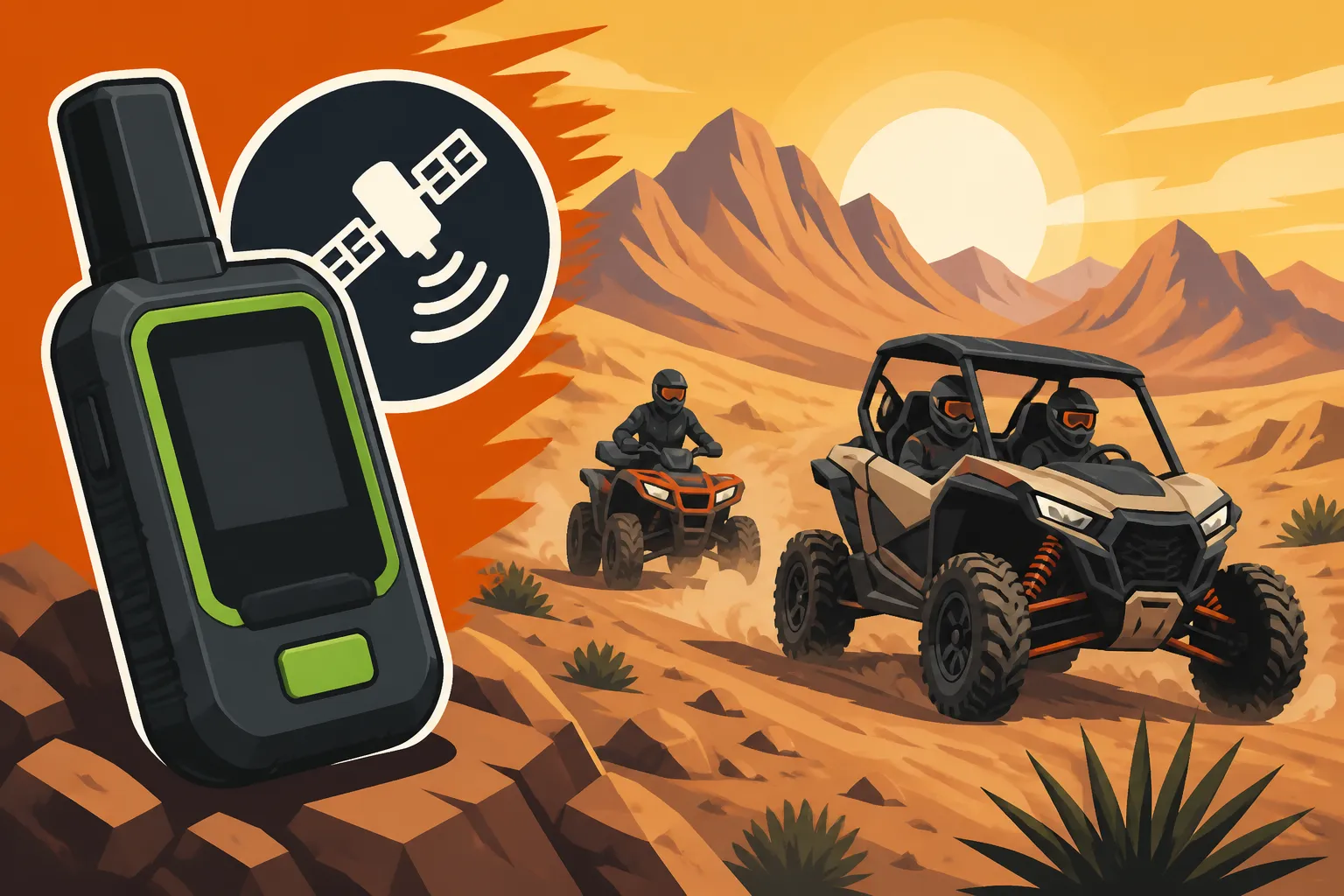
A satellite messenger communicates through satellites rather than depending on nearby cellular towers. Depending on the device and its features, it may let you send preset check-in messages, exchange two-way text messages, share your location, or request emergency help. It does not make every trail problem easy to solve, but it can give you a way to communicate when your phone has no usable service.
A messenger supports your plan; it does not replace one
A satellite device is one layer of preparation, not a substitute for route planning, basic repair supplies, water, or good judgment. It cannot guarantee that assistance will arrive immediately, and it does not make a difficult route safe for an inexperienced rider. You still need to know where you are going, what conditions you may encounter, and how your group will respond if someone has to stop.
Think of a messenger as a communication tool in a broader safety plan. Before leaving, tell someone who is staying behind where you plan to ride, which trailhead or staging area you expect to use, and when you’ll check in. Agree on what they should do if they do not hear from you by the planned time. That conversation is especially useful when you’re riding somewhere remote, such as a route that crosses open desert between communities.
It also helps to carry offline maps or a paper map and know how to read them. A satellite messenger may share your location, but that doesn’t mean it provides detailed trail navigation. Planning with resources such as Nevada Trail Maps Worth Downloading helps you understand the route before you’re relying on a small screen in dust, glare, or a stressful situation. Some riders use a mapping app such as onX Offroad to research routes and keep map information available offline, while treating the messenger as a separate communication device.
How to choose a satellite messenger for desert riding
Match the device to the way you ride
Start with your riding habits rather than a long list of technical features. A group that stays near a busy staging area and rides familiar loops may have different needs from a pair of riders crossing a remote section of the Silver State Trail. Consider how far you’ll travel from roads, whether you ride alone, how often you go out, and whether someone at home needs to follow your progress.
Most devices are designed around a few common functions: emergency SOS, location sharing, check-in messages, and some form of two-way messaging. Not every device handles these functions in the same way. Some are built primarily to send an emergency signal and a limited set of messages. Others allow more flexible text conversations, which can be useful when you need to explain that you are delayed but safe, describe a mechanical problem, or coordinate a pickup.
Before choosing, read the device’s own feature and service information carefully. Check what functions require an active service plan, whether messages can be sent to regular phone numbers or email addresses, how location tracking is managed, and what the device does when the sky view is obstructed. Costs and plan structures vary by provider, so check each provider’s own page for current details rather than assuming that all devices work the same way.
| What to compare | Why it matters on a Nevada ride | What to check |
|---|---|---|
| Emergency SOS | Provides a way to request help beyond cell coverage | How an alert is sent and what support process follows |
| Two-way messaging | Helps you explain a delay, injury, or mechanical problem | Whether you can exchange messages or only send preset updates |
| Location sharing | Lets a trusted person follow your progress | How often the device can share a location and how tracking is started |
| Battery life | Long rides or delays may keep you out longer than planned | Expected use under the tracking and messaging settings you’ll use |
| Ease of operation | Stress, dust, gloves, and glare can make complicated controls difficult | Whether you can practice sending a message and SOS test before riding |
| Mounting and storage | A loose device can be hard to reach or easy to lose | Whether it can be carried securely on your person or machine |
| Service requirements | Features may depend on an active subscription or plan | Which services work, how billing works, and what happens if service lapses |
Prioritize reliable use over a crowded feature list
A messenger only helps if you can reach it, turn it on, and understand what it is doing. A device with a complicated interface can be frustrating when you’re wearing gloves or dealing with a breakdown. If you can, practice at home: send a test message, find the SOS control, and check how to cancel a test or accidental alert. Follow the device maker’s instructions for any test procedure so you do not trigger a real emergency response.
Think about where you’ll carry it, too. Stowing a messenger deep in a gear bag may protect it from dust but make it inconvenient to access if the bag is on the back of a UTV. Mounting it on a machine may make it easy to see, but it could be separated from you if you leave the vehicle or the machine is damaged. Many riders prefer to keep essential communication equipment on their person, secured in a pocket or pouch where it remains reachable.
Battery planning deserves the same attention as choosing the device. Tracking and frequent messaging can affect how long a device lasts between charges. Begin each ride with a charged unit, bring a suitable power bank or charging option if your trip is long, and check the device’s battery status before leaving camp. Include the messenger in your broader Water and Fuel Planning in Nevada, because managing time, fuel, and water can affect how long you remain out and how much communication you may need.
How to use a messenger before and during the ride
Set up the device before you reach the trailhead
Do not wait until you are parked in a dusty staging area to figure out how the device works. Set up the account, emergency contacts, and message recipients at home, where you have time to read instructions and solve small problems. If the device allows preset messages, choose wording that will be clear to someone who is not on the ride. A message such as “We are delayed but safe” is more useful than a vague check-in that leaves the recipient guessing.
Make sure your emergency contacts know what to expect. Tell them the date of the ride, your planned route or riding area, your expected return time, and what action you want them to take if you miss a check-in. Explain that a delayed message may mean you’re handling a routine breakdown, while an SOS alert indicates a more serious situation. The exact response depends on the device and its service, so make sure your contacts understand the provider’s process rather than assuming they will be able to dispatch help themselves.
Before departure, check that the device has a clear view of the sky when it needs to connect, its battery is charged, and the service features you intend to use are available. Keep your map plan separate from your communication plan. A mapping tool such as onX Offroad can help you prepare and follow a route when you have saved the relevant map information, but it does not replace a satellite messenger’s communication capabilities. Likewise, a messenger’s location-sharing feature is not a full substitute for a detailed map.
Agree on check-ins and what happens if the plan changes
A useful check-in schedule should be simple enough that your group will actually follow it. For example, you might send a message when you leave the staging area, another when you reach a planned midpoint, and a final message when you are back at the trailer. The right schedule depends on the route, group, and device. Too many check-ins can become a distraction; too few can leave family or friends unsure whether a long silence is normal.
Set a clear rule for route changes. If you decide to continue farther than planned, turn around early, or take an alternate route, update your contact when you can. That matters on a ride where the expected return time might be affected by slow terrain, a stop for repairs, or a change in weather. A short note can prevent someone at home from treating a manageable delay as an emergency.
If a rider is separated from the group, avoid assuming the person will be able to navigate back without help. Share a location if the device supports it, pick a clear meeting point, and keep the remaining riders together when possible. A messenger can help coordinate, but it does not remove the need to make calm decisions and avoid worsening the situation by spreading the group farther apart. For practical preparation beyond communications, Breaking Down Far From the Trailhead covers the kind of planning that can make a remote mechanical problem easier to manage.
Desert-specific risks and common mistakes
Heat, dust, and exposure change the stakes
A communication device is particularly valuable when conditions make a delay more dangerous. Summer heat can turn a minor repair into an urgent situation if riders run low on water or remain exposed for too long. Carry more water than you expect to need, protect it from damage, and make a plan for what the group will do if a machine becomes disabled. The practical details in Carrying Water for a Desert Ride and Nevada Desert Riding in Summer Heat are worth considering alongside your communications setup.
Dust can make controls and screens harder to use, so keep the device protected without burying it somewhere inaccessible. Glare can also make a screen difficult to read. Learn the basic controls before the trip, and avoid relying on tiny on-screen instructions during a stressful moment. If you use gloves, try operating the device while wearing them so you know whether the buttons or touchscreen are practical for you.
Conditions can change quickly. A route that seems straightforward in dry weather may become harder to travel after a storm, and washes can be hazardous when water is moving through them. Before riding, check relevant closures and local conditions using appropriate official land-management information. Nevada Trail Closures to Check Before You Go and Riding BLM Land in Nevada can help frame the planning questions to ask. A messenger cannot tell you that a route is open or safe.
Do not confuse messaging, navigation, and rescue
One common mistake is assuming that every satellite device offers the same combination of features. A basic emergency communicator may not offer detailed trail maps or free-form text conversations. A navigation device may help with route following but have different communication capabilities. Read the device’s instructions and service terms, and be clear about which functions you will actually have available on your ride.
Another mistake is treating an SOS button as a shortcut for routine assistance. Reserve emergency signaling for situations that warrant emergency help. For a non-emergency delay, use an ordinary check-in or message feature if your device supports it. If you are unsure how the provider defines an emergency or how to send an alert responsibly, learn that before you ride.
Finally, don’t let a messenger create false confidence. It can help you communicate, but it cannot prevent a crash, repair a broken machine, provide shade, or guarantee a quick response in a remote area. Carry the basics, ride within your group’s ability, tell someone your plan, and have a backup way to understand where you are. The most reassuring setup is not one expensive gadget; it is a practiced plan that still makes sense if one piece of equipment fails.
Disclaimer
This article is for general informational purposes only and does not constitute professional advice. Laws, prices and regulations vary by location and change over time. Consult a qualified professional for guidance on your specific situation.